Guide · Satellite trackers
A SPOT shared page alternative your family will actually use
By AdventureLive · Updated
If you carry a SPOT, your family can follow you on SPOT's own shared page. That is enough for many trips. This guide covers what it gives you, what SpotWalla adds, and what AdventureLive adds, so you can pick the one your family will open.
What does a SPOT shared page do?
SPOT calls it a Shared View. You create it from SPOT's mapping page: open the Shared Views icon, add one, fill in the required fields, adjust the settings and create it. Then you open the Shared Views list, use the gear icon, and send the link by email or social media, or copy it and paste it anywhere.
SPOT's support pages say a Shared View is the recommended way to share near real-time tracking. For sharing after a trip, you can create a SPOT Adventure, which imports your location and messaging activity.
It is a working page that comes from SPOT. Its limit is that it is a SPOT page: it shows what the SPOT sends, and we saw nothing on the pages we read about other trackers or the weather where you are.
What is SpotWalla, and is it a good alternative?
SpotWalla is a separate tracking site for SPOT and other devices. It is a fair alternative, and for some people the better one.
From its own site: SpotWalla is an online system for tracking your travels and controlling who can see where you are and where you have been. It supports satellite trackers from SPOT, Garmin and ZOLEO, and phones running its apps. Features it lists include multi-device support, Secure Zones that hide your location around places like home, trips, retrospectives that put several trips on one map, location pages, and friends you can connect with. Trips can be public, private or password protected.
It needs a membership to create devices and share your travels. The page we read did not list a price, so check its membership page.
SpotWalla is a good fit if you want privacy zones, a history across many trips, or if you carry a ZOLEO, which AdventureLive does not support.
What does AdventureLive add?
AdventureLive is a free page for family and friends, built for adventures. It is free, thanks to ProLend, and part of the livedot family, beside Windline (cycling) and RunFast (running).
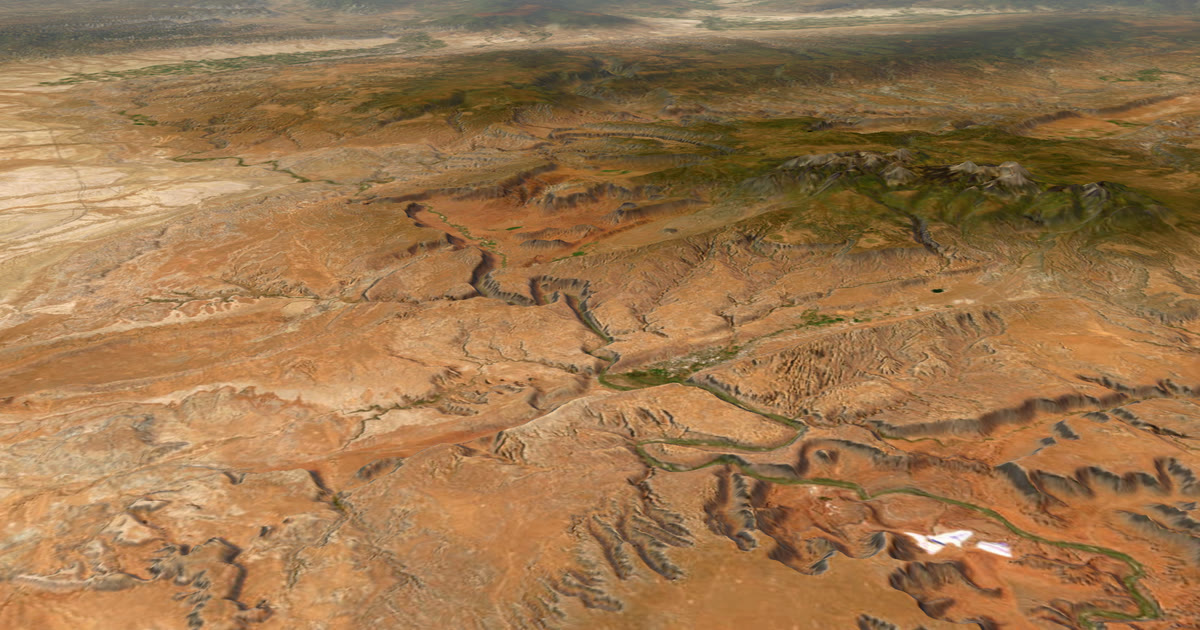
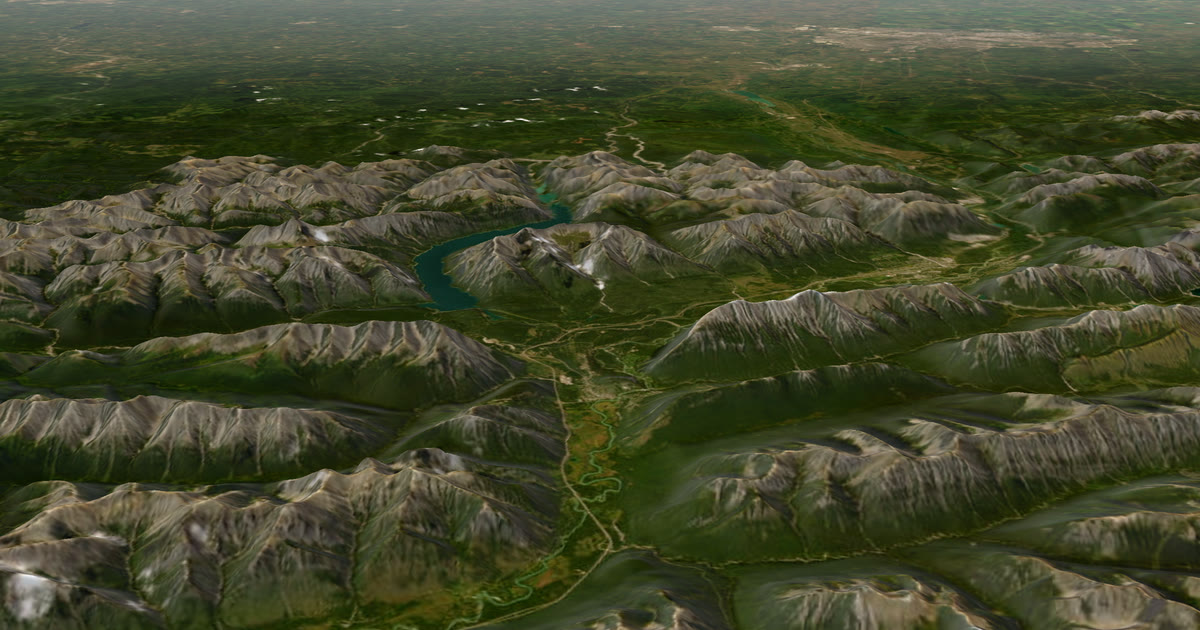
- A 3D satellite map with the planned route, the line you have travelled and the dot.
- The weather where you are, now and for the next 48 hours.
- Safety alerts for strong wind and gales, freezing or severe cold, heat, heavy rain and thunderstorms, where you are and on the route ahead.
- One link for several trackers. Link a SPOT, an inReach and Garmin LiveTrack to the same trip. The freshest position wins, and there is always one dot.
- Legs. Plan a trip as legs, with a GPX per leg or no route. A leg can last an afternoon or months.
- Home contacts for HELP emails.
- No app and no account for followers, unless you choose approved people only.
Followers see "Seen 22 min ago, via SPOT", and your OK and Custom messages as check-ins. The page updates by itself every minute.
What do the three compare on?
| SPOT shared page | SpotWalla | AdventureLive | |
|---|---|---|---|
| Works with SPOT | Yes | Yes | Yes |
| Works with other devices | SPOT devices | Garmin and ZOLEO listed on its site | inReach and Garmin LiveTrack, not ZOLEO |
| Cost | Not stated on the pages we read | Membership (price not on the page we read) | Free |
| Weather where you are | Not on the pages we read | Not listed on the page we read | Yes, with safety alerts |
| 3D map | Not listed | Not listed | Yes |
| Privacy zones | Not on the pages we read | Secure Zones | Findable, Link only, or People I approve |
| Alerts to family | Emergency contacts held in your SPOT account are told on an SOS | Not listed | Up to 5 home contacts get HELP messages by email |
We list only what the pages we read show. A blank "not listed" means we did not see it, not that it is missing. Check each product's own pages.
How do I link my SPOT to AdventureLive?
- In your SPOT account, create a shared page (an XML feed). Copy its link or the feed ID.
- Sign in on the web app with Google or an email link.
- Plan a trip with a name, a start and an optional end. Add a leg, with a GPX or with no route.
- In My trackers, choose SPOT, paste the link, and add the feed password if you set one.
- Choose Link and test it. We read your feed once and tell you when your last position was.
- Send your family the trip link.
Help: Link a tracker. SPOT OK and Custom messages show as check-ins.
AdventureLive reads your feed only while a trip is live, and no more often than every 2.5 minutes. The dot is only as fresh as your SPOT's tracking interval. SPOT's Gen4 plans list 5, 10, 30 and 60 minutes, and 2.5 minutes as the Extreme add-on, at the time of writing (2026). Your feed's address and password are never shown to anyone.
What about coverage?
SPOT's coverage is shown as regions on its map, with fringe areas, and SPOT says maps are estimates. It lists the continental United States, Canada, Mexico, Europe and Australia, with partial coverage elsewhere, and does not list polar regions. If your route is remote, check the map for your exact route. See inReach vs SPOT vs ZOLEO for expeditions.
What happens on SOS?
SPOT's SOS goes to GEOS IERCC, which notifies the appropriate emergency responders, according to the SPOT X user guide. That is the rescue, and it is SPOT's job. AdventureLive does not run rescues, and an SOS does not email your AdventureLive home contacts. Set up emergency contacts with SPOT; they are the people SPOT tells.
AdventureLive adds an email to up to five home contacts, with the time, the place on a map and your trip page, and a cancel email if it is cancelled. Followers never see it. See Home contacts.
Which should I use?
- Your family only wants a dot: SPOT's shared page.
- You want privacy zones and a history across many trips, or you carry a ZOLEO: SpotWalla.
- You want the weather where you are, safety alerts, a 3D map and home contacts, free, or you carry more than one tracker: AdventureLive.
You can use more than one. A SPOT feed can feed both at once. For a closer comparison, see AdventureLive vs SPOT shared page. On a race like the Tour Divide, see bikepacking live tracking.
Questions people ask
- What is a SPOT shared page?
- SPOT calls it a Shared View. You create it in the SPOT mapping page, adjust its settings, then send the link by email or social media, or copy it. SPOT's support pages recommend a Shared View for near real-time tracking.
- Is SpotWalla a good alternative?
- It is a fair choice. SpotWalla says it supports trackers from SPOT, Garmin and ZOLEO, with Secure Zones to hide places like home, trips and public, private or password-protected sharing. It needs a membership, and its site does not list the price on the page we read.
- Does AdventureLive work with a SPOT?
- Yes. Paste your SPOT shared page link or feed ID, and the feed password if you set one, in My trackers, then choose Link and test it.
- How fresh will the dot be?
- As fresh as your SPOT's tracking interval. Gen4 plans list 5, 10, 30 and 60 minutes, with 2.5 minutes as an add-on. AdventureLive reads a SPOT no more often than every 2.5 minutes, only while a trip is live.
- What happens on SOS?
- SPOT's GEOS centre coordinates the rescue and tells the emergency contacts on your SPOT account. AdventureLive does not run rescues. It emails your home contacts the time, the place on a map and your trip page when you send HELP.
Sources
- SPOT support: How do I share my locations with others? (Shared Views)
- SPOT support: How do I send or share the Shared View page (email, social media, copy link)
- SPOT support: How do I share my tracking with other people (Shared View for near real-time tracking, Adventures after a trip)
- SPOT service plans (Gen4 tracking intervals, prices)
- SPOT X user guide (SOS goes to GEOS IERCC)
- SpotWalla
- SPOT coverage map page
Related guides
 Guide · Satellite trackersinReach vs SPOT vs ZOLEO for expeditionsinReach, SPOT and ZOLEO compared for expeditions: networks, coverage, tracking intervals, SOS, plan prices and weights, and which work with AdventureLive.
 How-to · Satellite trackersShare your inReach MapShare with family (and make it better)Turn on MapShare in Garmin Explore, set a password, send the link, then add the weather, alerts and home contacts by linking it to AdventureLive.
 Comparison · ComparisonsAdventureLive vs the SPOT shared page: which to use?SPOT Shared View shows your tracking and messages to family. AdventureLive reads the same feed and adds weather and HELP emails. A fair comparison.
 Guide · Live trackingBikepacking live tracking: Tour Divide and self-supported racesThe Tour Divide uses a race tracking page. Your family also wants the weather where you are and a HELP email. Here is how one tracker can feed both.
 Guide · Satellite trackersGarmin LiveTrack with no phone signal: what really worksGarmin LiveTrack from a watch needs your phone's data, except on LTE watches. Off-grid, use an inReach or SPOT and link both: the freshest position wins.